
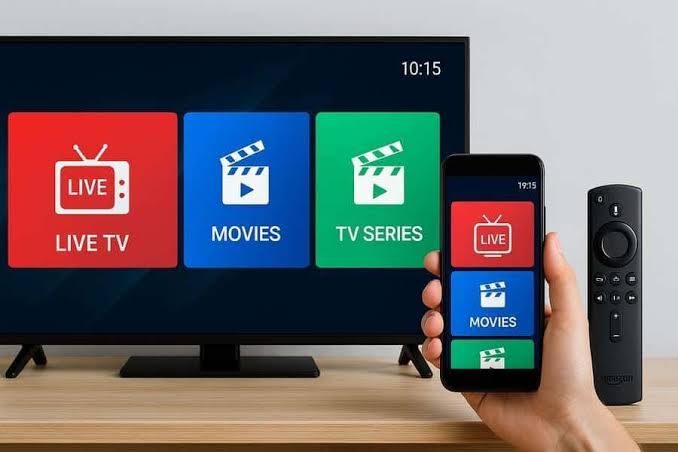
“How many devices can I actually watch this on at once?” is one of those questions that sounds simple until you try to answer it honestly — because the real answer depends on more than just your subscription.
If you’ve got a partner watching something in the living room while you’re catching a show upstairs and a kid on a tablet in their bedroom, the question of “how many streams can this actually handle” stops being theoretical pretty fast. The honest answer is that three separate things determine it, and your subscription is only one of them.
01Your Subscription’s Connection Limit
Most IPTV subscriptions specify a maximum number of simultaneous connections — how many streams can be active on that account at the same exact moment. This is the most straightforward limit, and it’s worth knowing yours before you assume every device in the house can run at once. If you’re not sure what your current plan allows, our pricing page lists what’s included with each tier.
02Your Actual Internet Speed
Even with a subscription that allows multiple connections, your internet plan is the part that actually has to carry all of them at once. The FCC’s official Household Broadband Guide breaks this down clearly: speed needs scale with both the number of devices active at the same time and what each one is doing, not just how many devices exist on the network in total.
| Simultaneous Streams | Rough Speed Needed (HD) |
|---|---|
| 1 stream | 5–8 Mbps |
| 2 streams | 10–16 Mbps |
| 3 streams | 15–24 Mbps |
| 4+ streams | 20–32+ Mbps |
These numbers climb fast once you add 4K into the mix, since a single 4K stream alone can need roughly 25 Mbps — more than three HD streams combined. If you’re regularly seeing playback issues with multiple screens running, our buffering troubleshooting guide walks through how to actually test whether your connection is the bottleneck.
03Your Router, Which Is Easy to Overlook
Here’s the part most people never think about until something’s already going wrong: your router has to manage every one of those connections too, and an older or lower-end router can bottleneck a household’s streaming long before your internet plan’s actual speed limit is reached. According to the FCC’s home network guidance, splitting devices across your router’s 2.4 GHz and 5 GHz bands — putting bandwidth-heavy devices like streaming boxes on the faster 5 GHz band — can meaningfully reduce congestion in a multi-device household.
If one TV consistently streams worse than others in the house, connect it directly to the router with an Ethernet cable if possible. It removes Wi-Fi congestion from the equation entirely and is often the single biggest improvement for a problem device.
04Putting the Three Together
In practice, most households run into one of these three limits before the others: apartment or smaller households tend to hit the connection limit first, since fewer devices are active at once; larger households with multiple TVs running simultaneously tend to hit the internet speed ceiling; and households with an older router sometimes hit a wall neither the subscription nor the internet plan would predict. Knowing which one is actually limiting you saves a lot of guesswork.
Not sure what your current plan supports?
Check the connection limits and features across our current plans before assuming you need to upgrade anything.
05Setting Up Each Device Properly Still Matters
Once you know how many simultaneous streams your setup can realistically handle, getting each device configured correctly makes the difference between using that capacity well and wasting it on a device that’s struggling for unrelated reasons. Our setup guides for Fire TV Stick, Samsung Smart TV, and LG Smart TV each cover the basics worth double-checking on a device that’s underperforming.
Frequently Asked Questions
- Does using fewer devices at once improve picture quality?
- Yes, generally. Freeing up bandwidth by reducing simultaneous streams gives the remaining stream(s) more room, which can noticeably improve quality and stability.
- Is a mesh Wi-Fi system worth it for multi-device streaming?
- For larger homes or ones with dead zones, often yes — it addresses coverage issues a single router can’t reach, which is a different problem than raw bandwidth but just as disruptive to streaming.
- Do idle devices count against my connection limit?
- Only devices actively streaming at the same moment typically count. A device that’s simply logged in but not playing anything usually doesn’t use up a connection slot.
- Why does one TV in the house always perform worse than the others?
- Usually distance from the router or the number of walls the Wi-Fi signal has to pass through. It’s one of the most common and most fixable causes of an uneven streaming experience across a household.
Most multi-device streaming problems come down to one of the three factors above, not a mystery. If you want help figuring out what your current setup can realistically support, reach out to our team and we’ll walk through it with you.
Sources: FCC Household Broadband Guide · FCC Home Network Tips

